
掌握这些按键模拟脚本工具,起码少奋斗 50 年
原创 哥 哥 NewMarTech
在小说阅读器中沉浸阅读
在电脑或手机上使用按键模拟脚本工具,可以代替繁琐的人类劳动,实现意想不到的效果。嗯,少奋斗 50 年。
按键脚本工具在游戏领域的用途最为直观:你需要升级打怪,但又不想自己按一通宵,怎么办?当然可以找人代练,但更好的方式其实是用按键脚本(通常我们会叫它「外挂」),按键脚本会忠实执行你部署的任务,毫无怨言。
在数据采集中,使用按键脚本,可以极大地解放生产力。今天介绍几个不同操作系统中的按键脚本工具,并通过几个实例来学习它们。
Windows 系统用 AutoHotkey
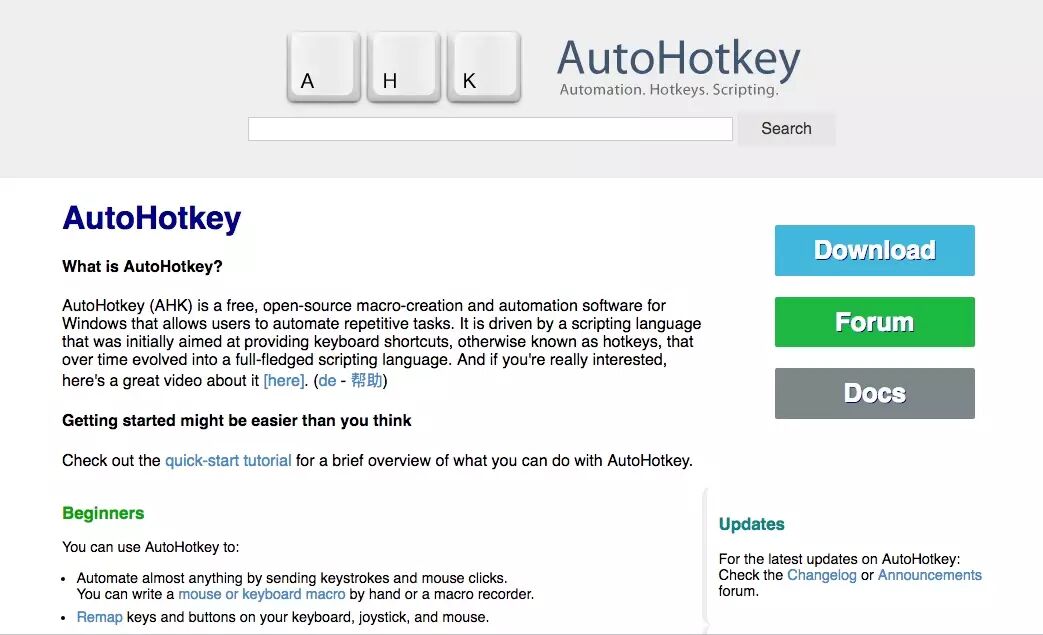
AutoHotkey 官网 - 文档 - 下载
虽然 Windows 下小白用户使用更多的可能是按键精灵,不过简直哥依然觉得 AutoHotkey 才是更好的方式。
下边这段脚本,是简直哥在做微信阅读点赞数项目时使用的,主要完成的任务是:
- 向公众号发送一个指令,获取 10 个微信文章链接
- 依次点击这些链接,在浏览器里打开
重复以上步骤
注意,这段脚本仅作原理展示,具体机器上需要调整路径、坐标、等待时间等,通常需较长时间的实地调试。# AutoHotkey 脚本示例(微信点击)^j::
Loop {Run, "C:\Program Files\Tencent\WeChat\WeChat.exe"
Click 400, 500
send n
Click 800, 570Sleep, 2000
Run, "C:\Program Files\Tencent\WeChat\WeChat.exe"
Sleep, 2000
Click 390, 211Sleep, 3000
Run, "C:\Program Files\Tencent\WeChat\WeChat.exe"
Sleep, 2000
Click 420, 211Sleep, 3000
Run, "C:\Program Files\Tencent\WeChat\WeChat.exe"
Sleep, 2000
Click 390, 251Sleep, 3000
Run, "C:\Program Files\Tencent\WeChat\WeChat.exe"
Sleep, 2000
Click 420, 251Sleep, 3000
Run, "C:\Program Files\Tencent\WeChat\WeChat.exe"
Sleep, 2000
Click 390, 291Sleep, 3000
Run, "C:\Program Files\Tencent\WeChat\WeChat.exe"
Sleep, 2000
Click 420, 291Sleep, 3000
Run, "C:\Program Files\Tencent\WeChat\WeChat.exe"
Sleep, 2000
Click 390, 331Sleep, 3000
Run, "C:\Program Files\Tencent\WeChat\WeChat.exe"
Sleep, 2000
Click 420, 331Sleep, 3000
Run, "C:\Program Files\Tencent\WeChat\WeChat.exe"
Sleep, 2000
Click 390, 371Sleep, 3000
Run, "C:\Program Files\Tencent\WeChat\WeChat.exe"
Sleep, 2000
Click 420, 371
Sleep, 3000}
Mac 系统有 AppScript 原生支持
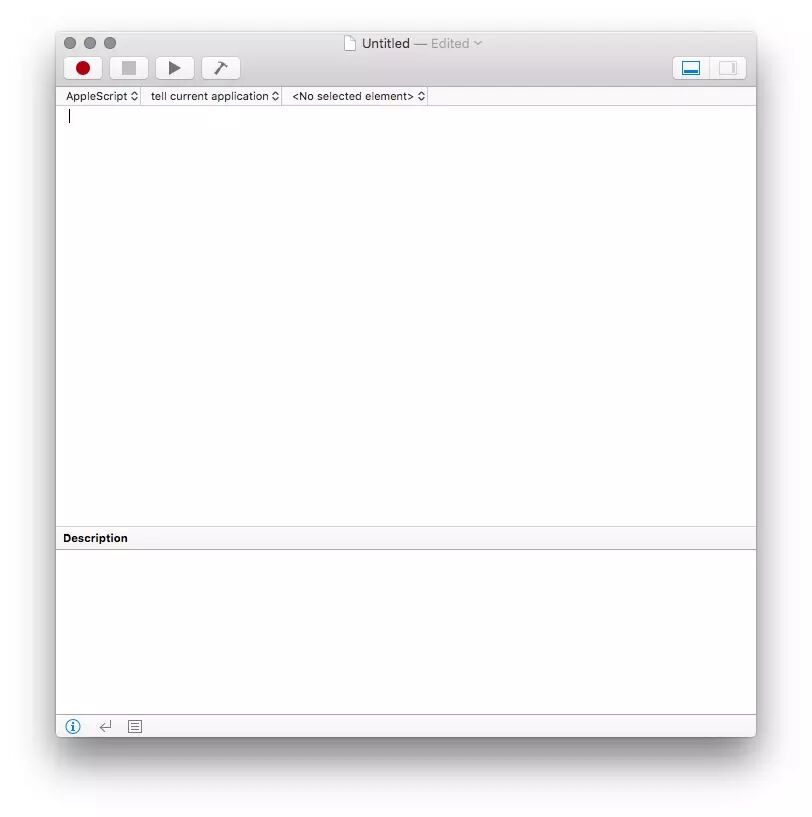
AppleScript 文档
下边这段脚本,跟上边的 AutoHotkey 完成的是一样的工作,只不过是换到了 Mac 系统中。
# AppleScript 脚本示例repeat

    tell application "WeChat"
        activate
    end tell

    tell application "System Events"

        tell process "WeChat"
            set frontmost to true
            delay 1

            key code 45 # Press N button
            key code 76 # Press Enter button
            #key code 76 # Press Enter button

            click at {590, 410}            delay 5
        end tell

        tell process "WeChat"
            set frontmost to true
            click at {700, 410}            delay 5
        end tell

        tell process "WeChat"
            set frontmost to true
            click at {590, 445}            delay 4
        end tell

        tell process "WeChat"
            set frontmost to true
            click at {700, 445}            delay 5
        end tell

        tell process "WeChat"
            set frontmost to true
            click at {590, 480}            delay 4
        end tell

        tell process "WeChat"
            set frontmost to true
            click at {700, 480}            delay 5
        end tell

        tell process "WeChat"
            set frontmost to true
            click at {590, 515}            delay 4
        end tell

        tell process "WeChat"
            set frontmost to true
            click at {700, 515}            delay 5
        end tell

        tell process "WeChat"
            set frontmost to true
            click at {590, 550}            delay 5
        end tell

        tell process "WeChat"
            set frontmost to true
            click at {700, 550}            delay 4
        end tell

    end tell

    #tell application "Google Chrome"
    #   quit
    #end tell
    end repeat
Android 系统可以考虑按键精灵

按键精灵官网
按键精灵是一个模拟鼠标键盘动作的软件。通过制作脚本,可以让按键精灵代替双手,自动执行一系列鼠标键盘动作。按键精灵简单易用,不需要任何编程知识就可以作出功能强大的脚本。只要在电脑前用双手可以完成的动作,按键精灵都可以替代完成。
小结
以上介绍了三款不同系统中可以实现模拟按键操作的几个工具,分别是 Windows 下的 AutoHotkey、Mac 下的 AppleScript 以及 Android 中的按键精灵。相比较而言,简直哥认为 AutoHotkey 最为强大实用,可扩展性强,并且有广泛的 Windows 用户基础,推荐使用。
如果您在使用过程中遇到什么问题,或者希望付费定制一段脚本,欢迎勾搭。

动动手指关注简直哥
看看原文★聊聊数据
暂无评论